iOS App Now on the App Store
Film looks,
straight from camera.
Capture photos and video with authentic film aesthetics. Real-time Metal effects, RAW quality. No post-processing needed.
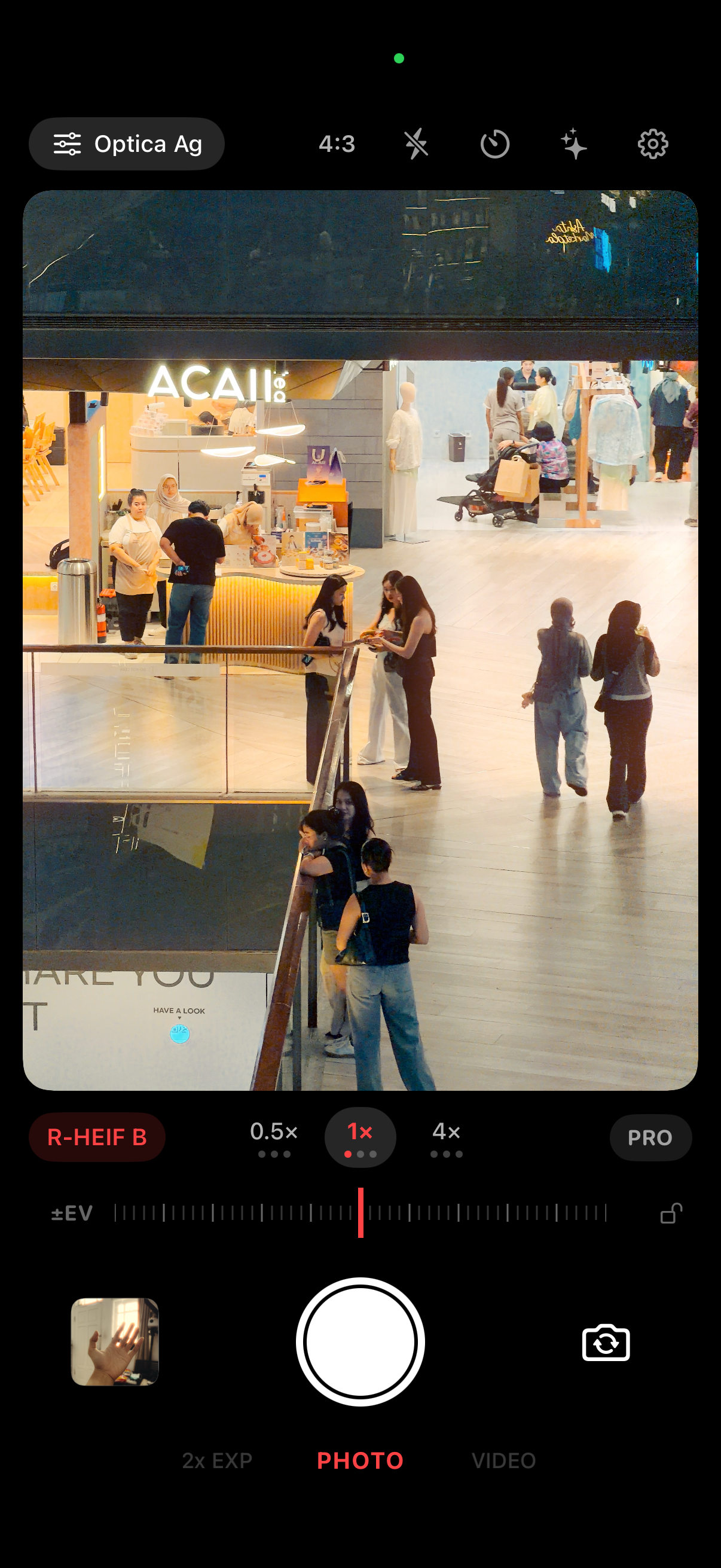
Capture photos and video with authentic film aesthetics. Real-time Metal effects, RAW quality. No post-processing needed.
Features
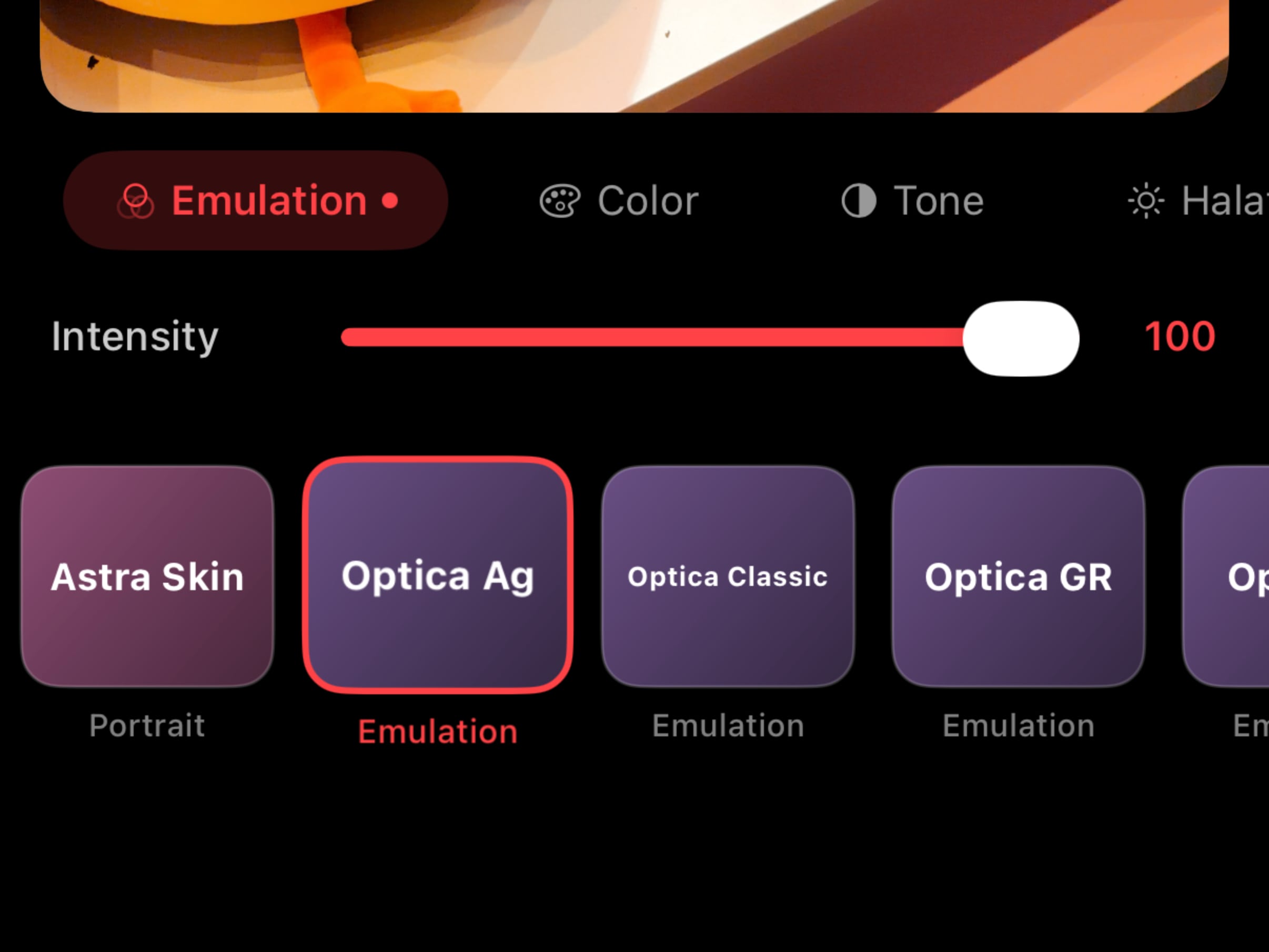
See film effects instantly in the viewfinder. What you see is what you get.
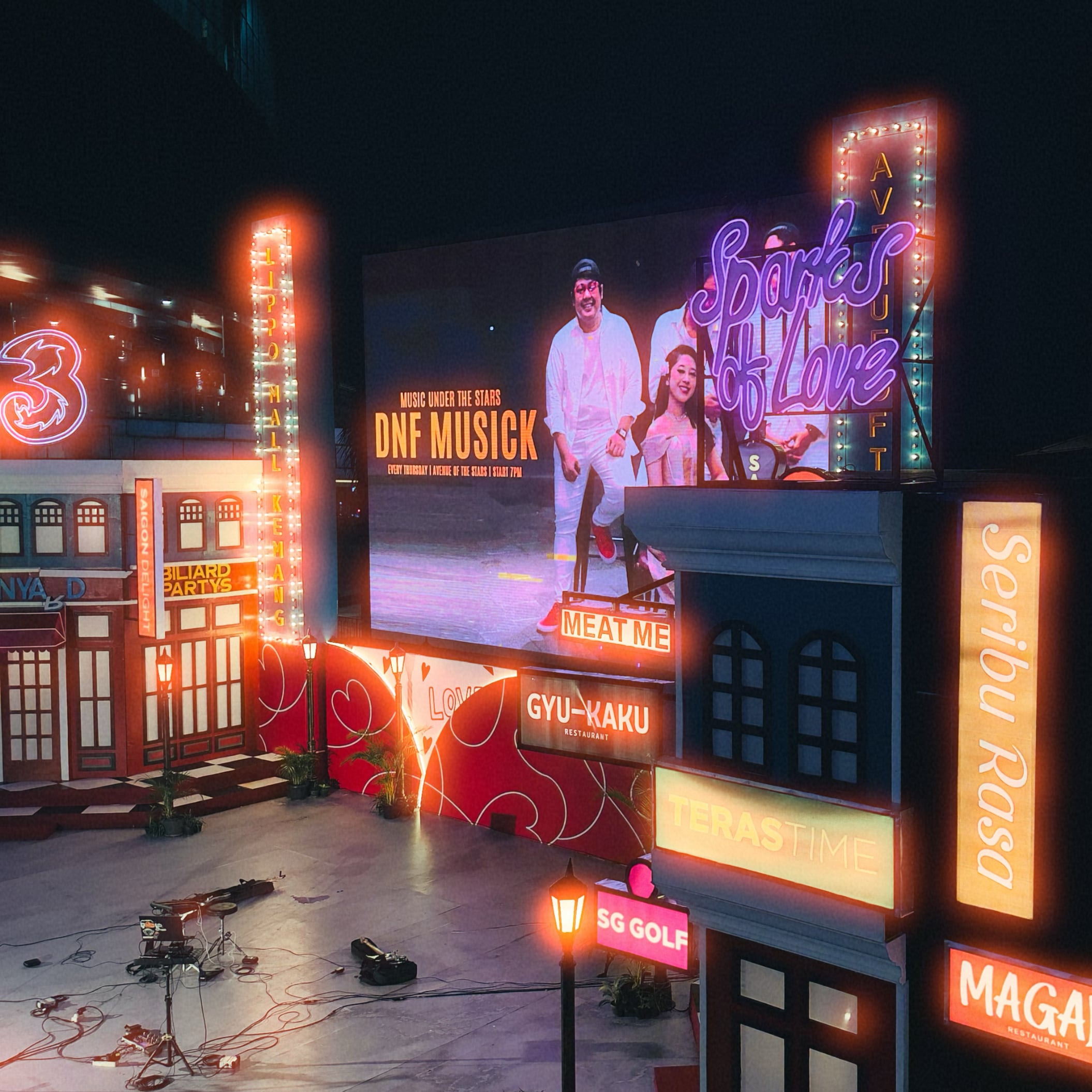
Cinematic red glow
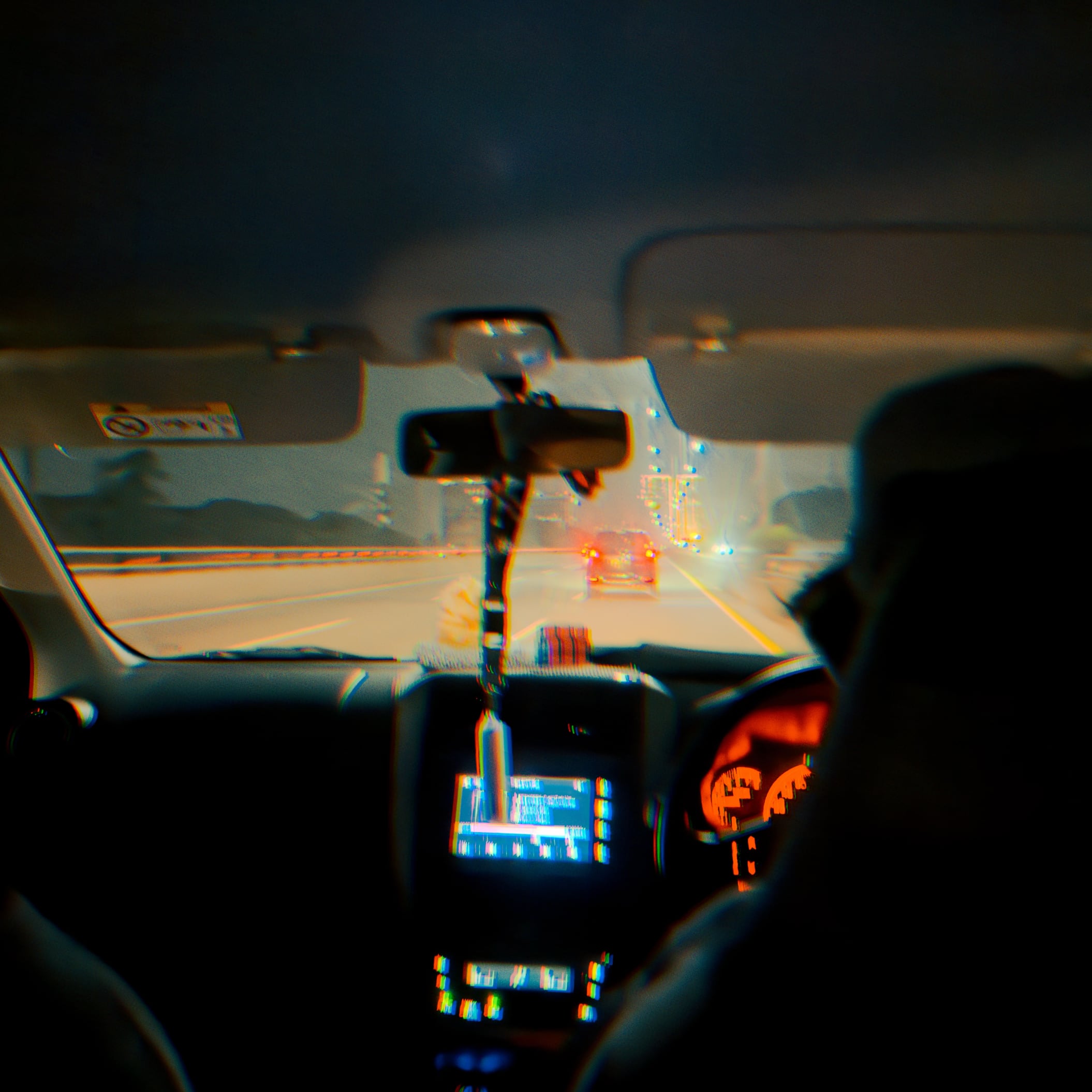
Chromatic dispersion
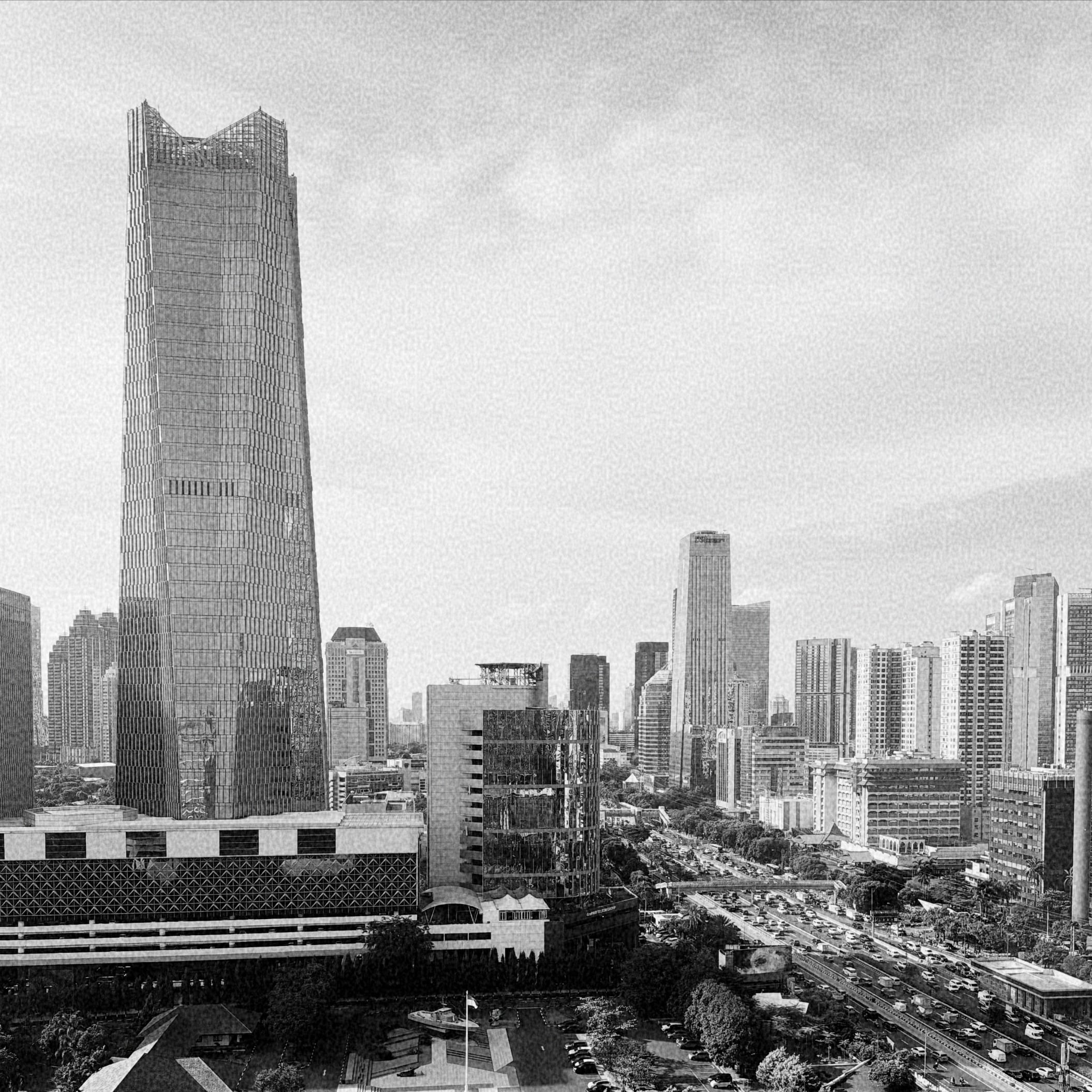
Authentic texture
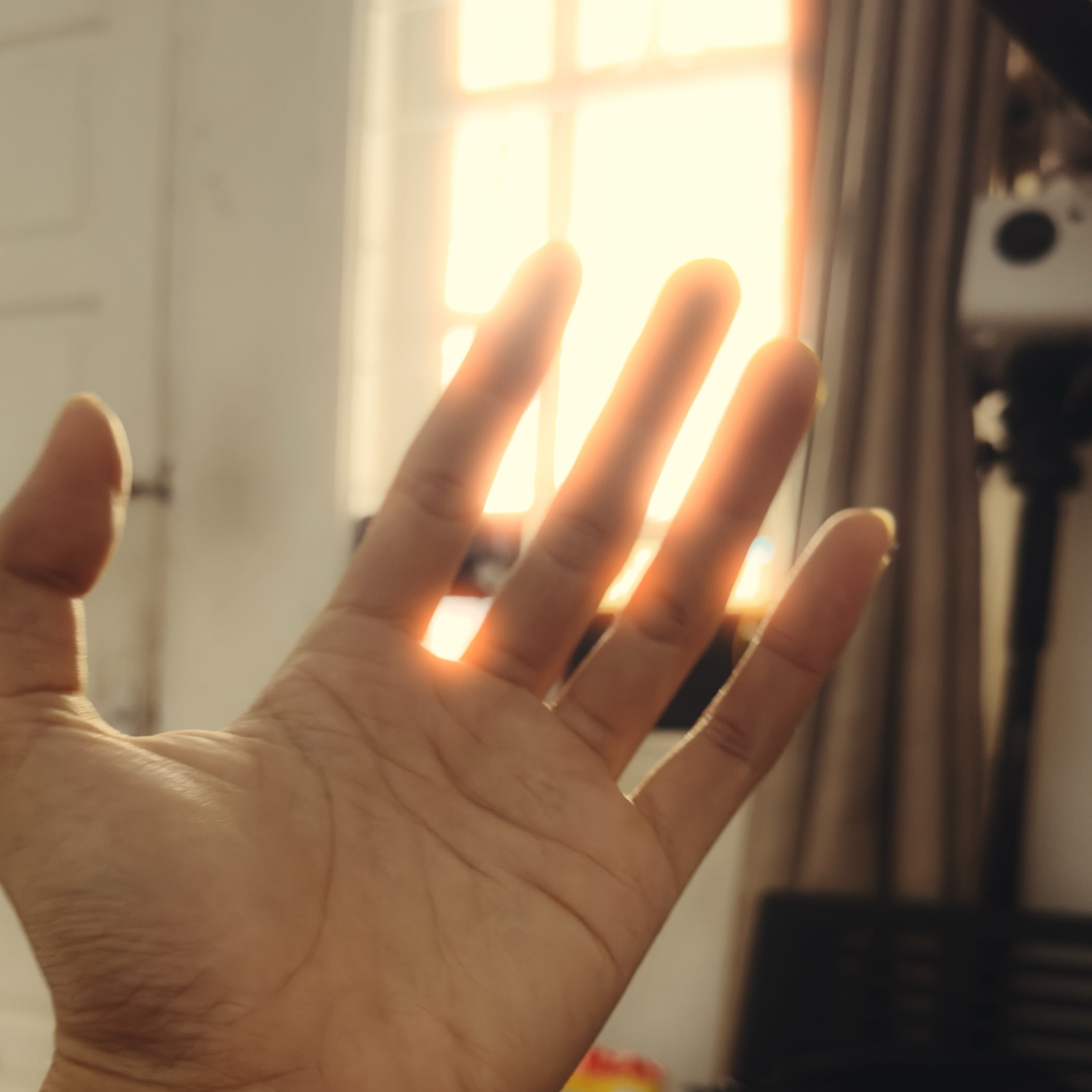
Soft glamour glow
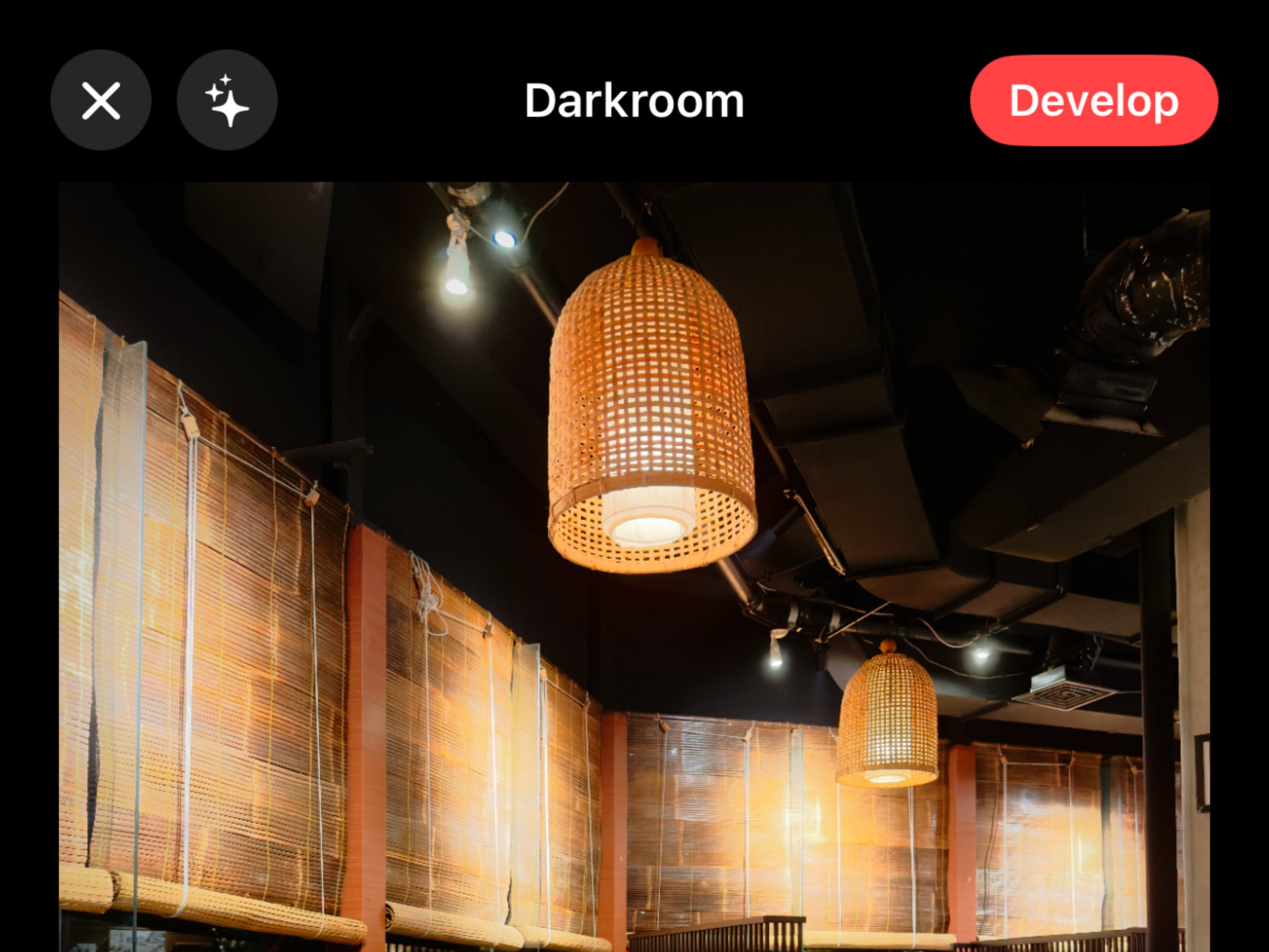
Re-edit photos anytime with original RAW data. Adjust the recipe, compare before/after, save a new version. Fully non-destructive.
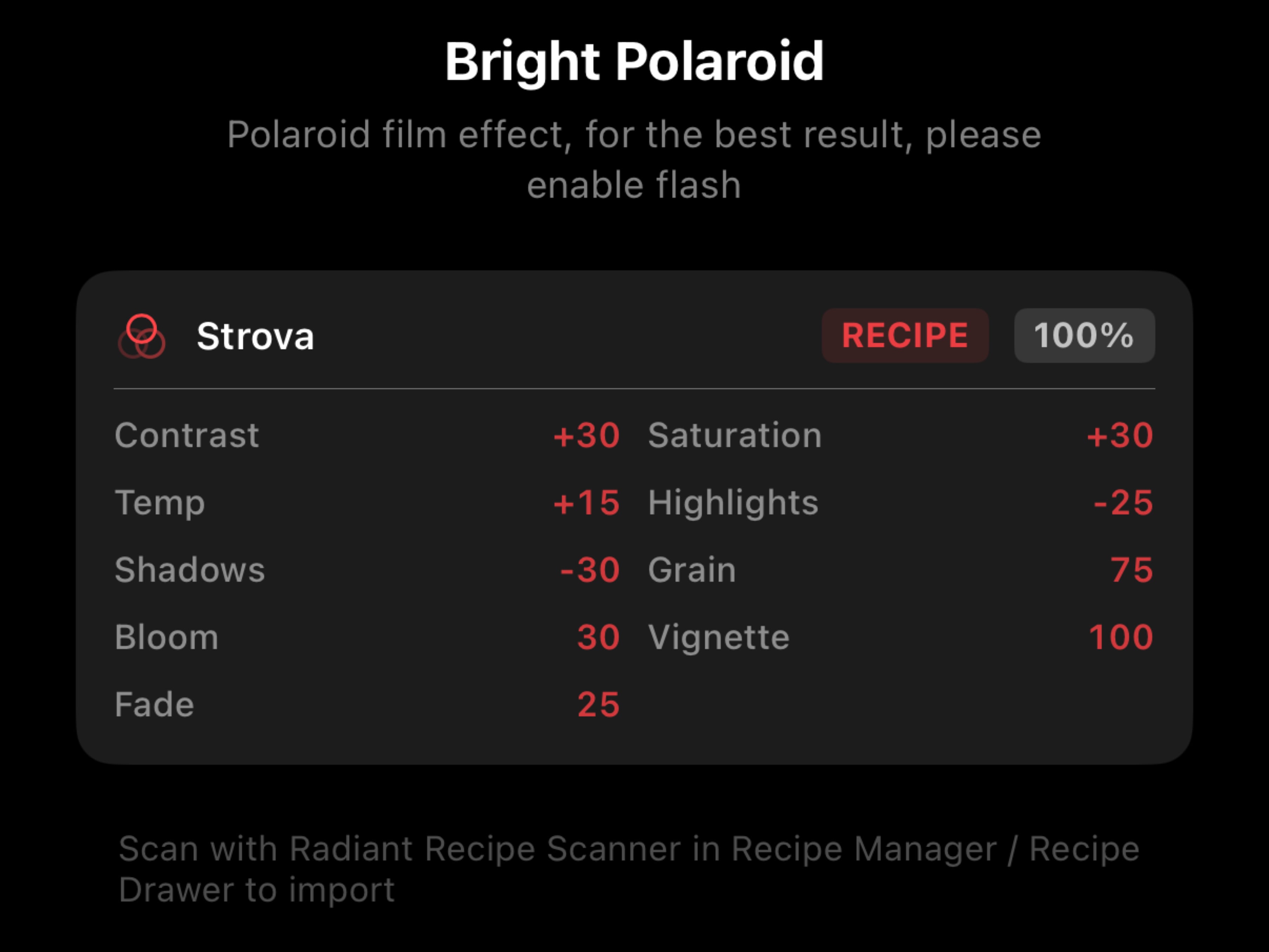
Save your complete film look as a Recipe: LUT, grain, halation, tone curves, all adjustments. Apply in one tap. Share with anyone via QR code.

Import your own .cube LUTs and build your private film stock. Your custom emulations sync across your devices and restore non-destructively after reinstall.
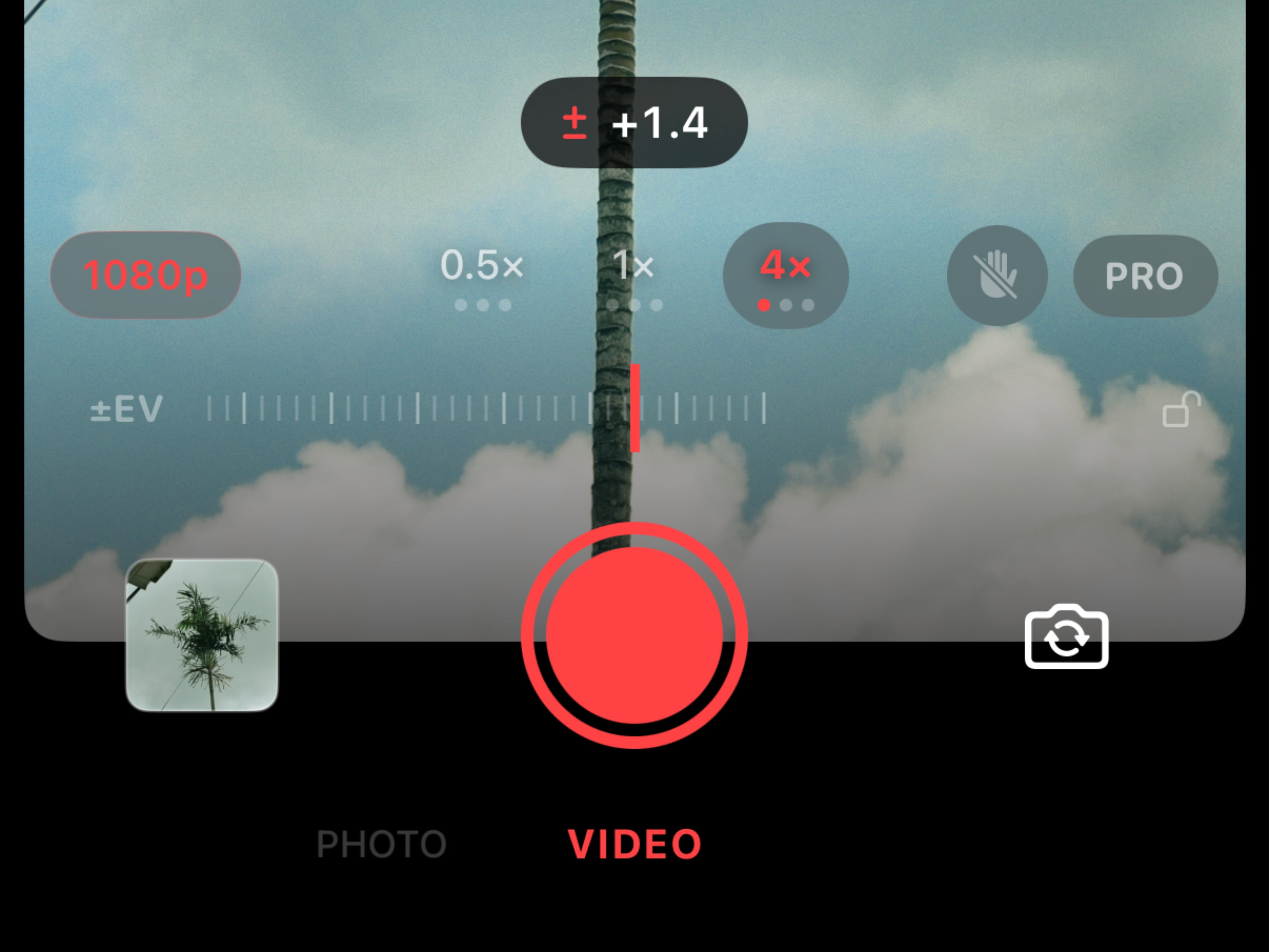
Film emulation on video. 16:9 viewfinder, landscape orientation, real-time Metal effects. The same look, on motion.
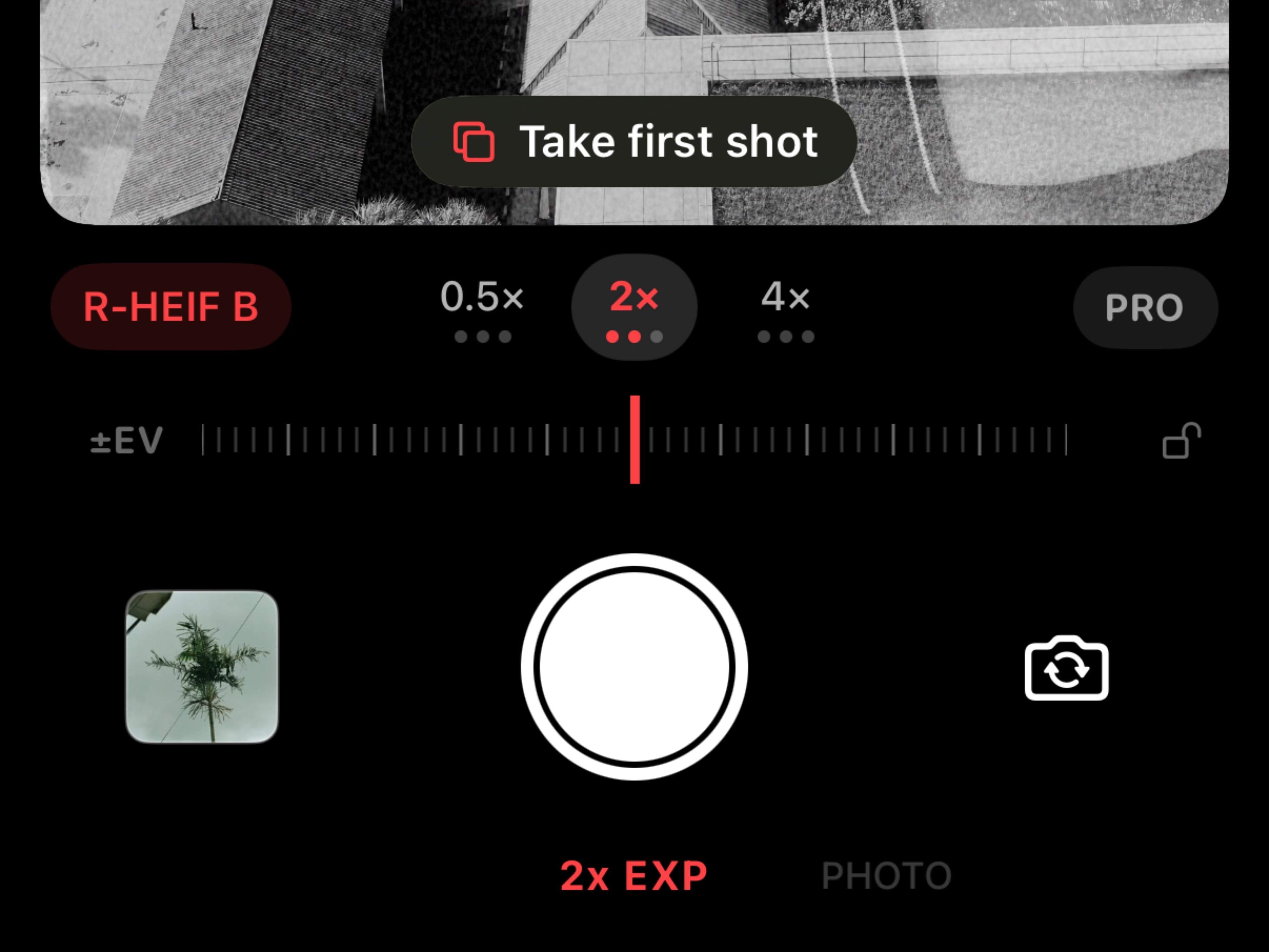
Blend two shots into one in-camera. Shoot the first frame, compose the second with the first ghosted in the viewfinder, then capture. Both frames are blended together in real time.
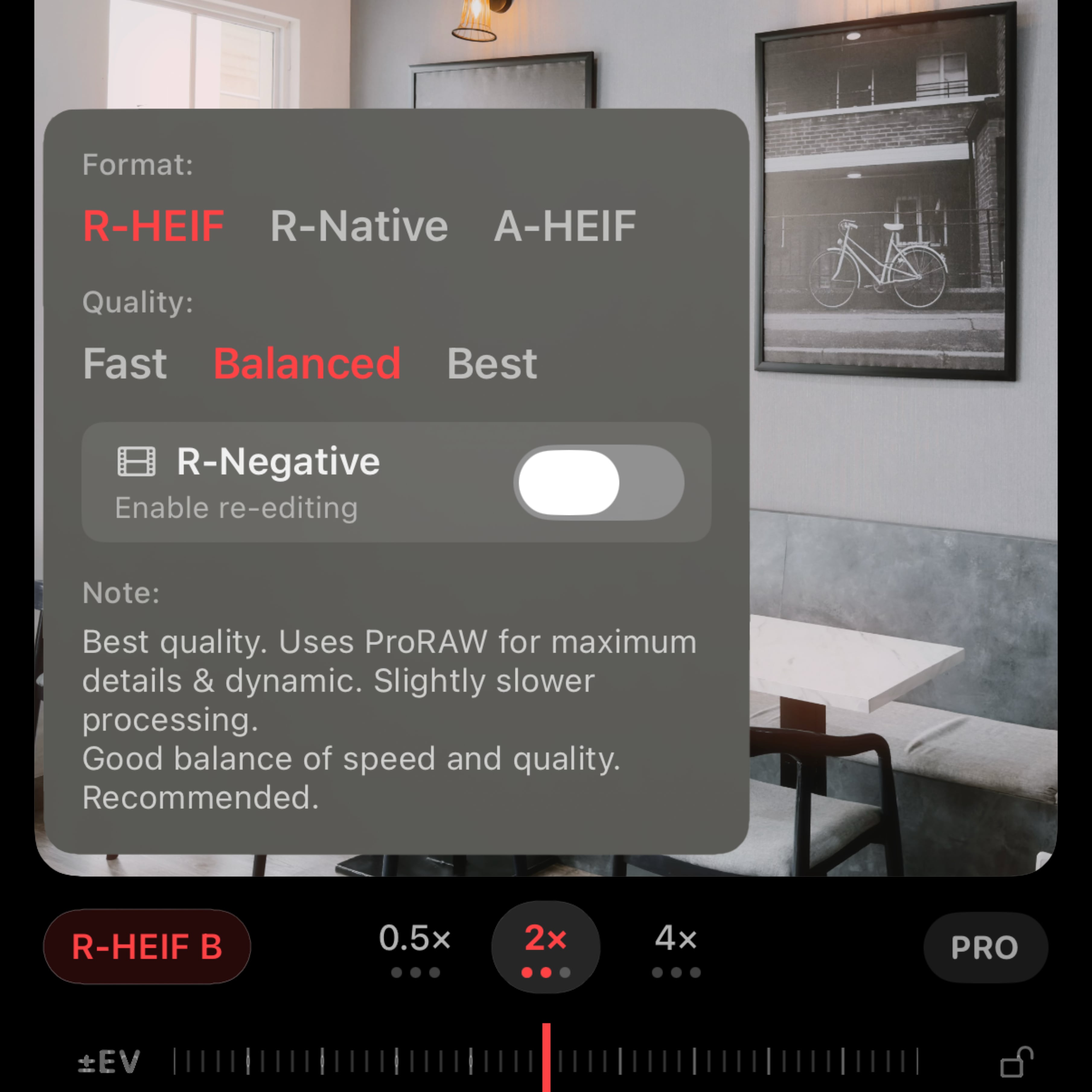
On Pro iPhones, R-HEIF is the default: full ProRAW pipeline at Quality tier. Pick A-HEIF for speed and lighter files, or R-Native for pure Bayer RAW straight from the sensor.
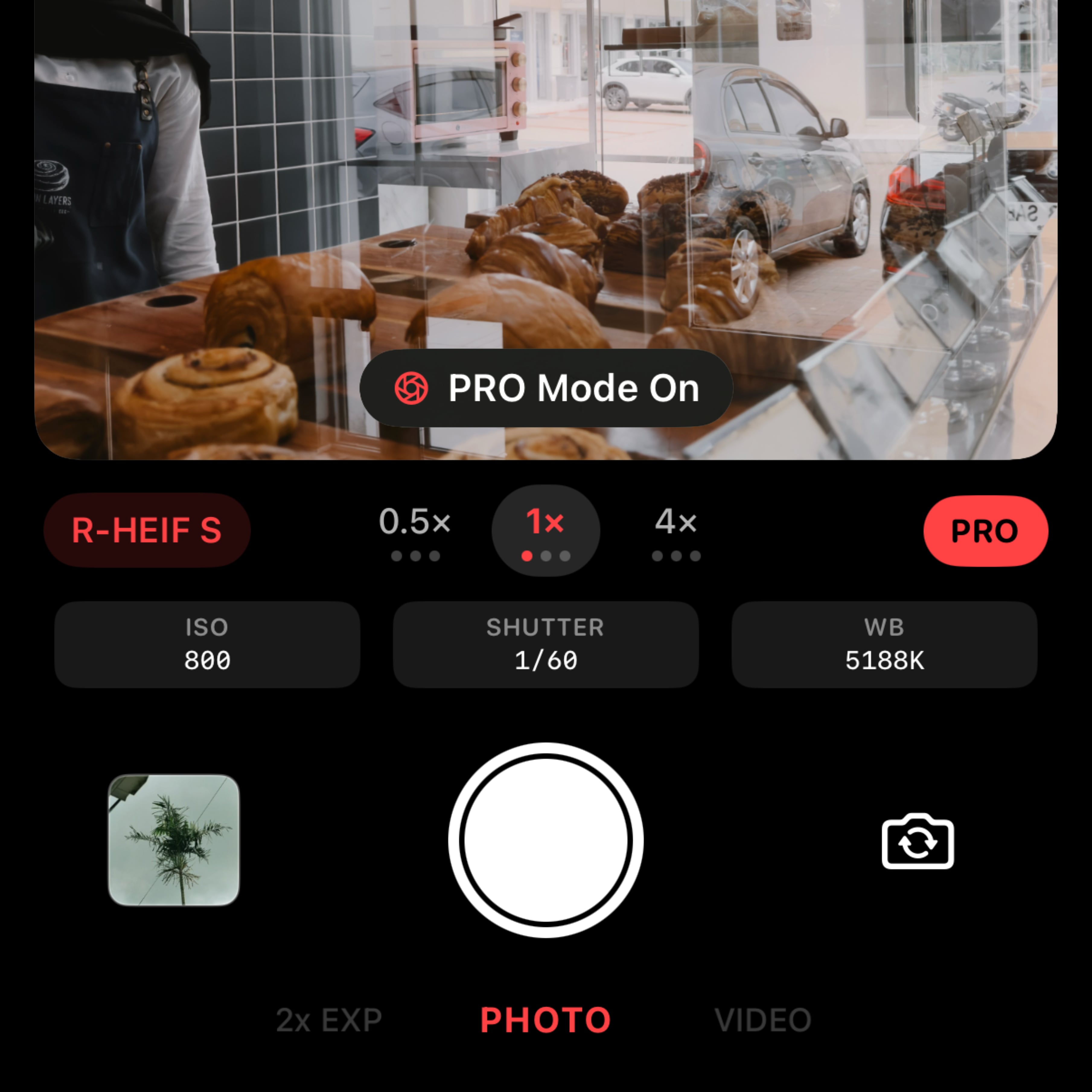
Take full control with dedicated sliders for ISO, shutter speed, and white balance. Lock exposure and focus independently, or hold to lock both together.
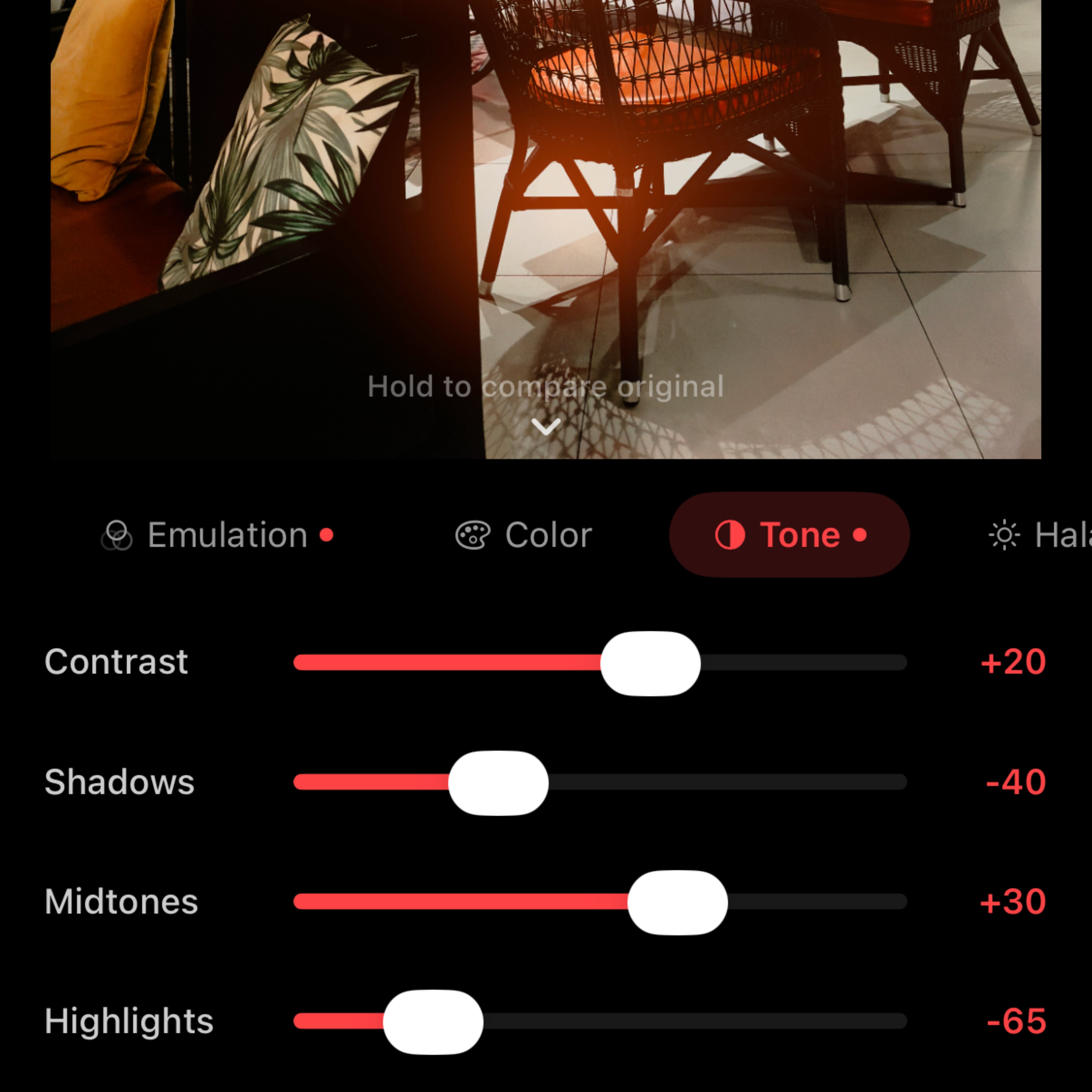
Shape the light your way. Adjust temperature, tint, saturation, and full tone curves across shadows, midtones, and highlights for complete creative control.
How It Works
Three steps. One pipeline. Zero compromise.
Tap the shutter, or use the volume button or Camera Control. RAW data is captured in ~200ms while you can already shoot the next frame.
Metal GPU applies the full film stack: LUT grading, halation, grain, vignette, tone curves. Exactly what you saw in the viewfinder.
Photo saved to your library with EXIF recipe embedded. Want to tweak it later? Open the R-Negative Darkroom anytime.
Tag us @radiant.camera or use #RadiantSnaps on Instagram to showcase your film photography and get featured on our page.
FAQ
SOOC stands for Straight Out Of Camera. The photo you see in the viewfinder is exactly what gets saved. No post-processing needed.
Radiant Camera requires iOS 18 or later and runs on every iPhone that supports iOS 18 (iPhone XS, XR, SE 2nd gen, and later). For best performance, iPhone 12 or later is recommended. R-HEIF (ProRAW) requires a Pro model (iPhone 12 Pro or later). Camera Control capture requires iPhone 16 or later.
On Pro iPhones (iPhone 12 Pro and later), R-HEIF is the default: full ProRAW pipeline at the Quality tier so you get the cleanest film look out of the box. Non-Pro iPhones default to A-HEIF (Apple HEIF) which is faster and lighter. R-Native (Bayer RAW, no digital zoom) is also available for purists who want the rawest sensor data possible.
Yes. The R-Negative Darkroom stores original RAW data alongside the full recipe. Open any negative in the Darkroom, adjust settings, hold to compare with the original, and save a new version at any time.
3D LUT color grading, film halation, bloom/glamour glow, film grain, vignette, chromatic aberration (linear & circular), fade (lifted blacks), saturation, temperature, tint, and full tone curves (shadows, midtones, highlights).
Yes. Bring your own .cube LUTs and turn them into custom emulations. Each custom emulation can have its own grain, halation, tone curves, and adjustments. It's your private film stock. Custom emulations sync across your iPhones and restore non-destructively after reinstall.
Yes. Radiant Camera captures with HDR gain maps so highlights stay clean on HDR-capable displays while the SDR base layer keeps the film look intact. HDR is on by default and the strength is adjustable in Settings; long-press the HDR button on the capture screen for a quick tweak.
Yes. PRO mode gives you full control over ISO, shutter speed, white balance, and exposure compensation with intuitive sliders. Tap to focus and it reverts to continuous AF after 3 seconds; long-press to lock AE/AF.
A Recipe saves your complete film look in one tap: LUT selection, grain, halation, vignette, tone curves, and all color adjustments. Share any Recipe as a QR code and friends can scan it directly in-app to import your look.
Select the 2x EXP mode and shoot the first frame. It gets stored and ghosted into the viewfinder as an overlay so you can compose the second shot. Capture the second frame and the two are blended together in real time.
Yes. Record video with real-time film effects applied. 16:9 viewfinder, landscape orientation support, and zoom is preserved when switching between photo and video modes. Choose 720p or 1080p at 24, 25, or 30 fps.
Yes. The hardware volume buttons trigger the shutter on all supported iPhones. iPhone 16 and later also supports the Camera Control button for capture.
Yes. Radiant Camera is free to download and includes core capture, a curated set of built-in emulations, and the gallery. A free trial of Radiant Pro is granted on first launch. Pro unlocks Manual Mode, Custom Emulations import, R-Native capture, R-HEIF Balanced/Quality tiers, video stabilization, high-resolution output, and cloud sync.
Download Radiant Camera and experience authentic film photography on your iPhone.
Download on the App Store